NBN Not Working? Common Causes and What to Do Before Calling a Technician
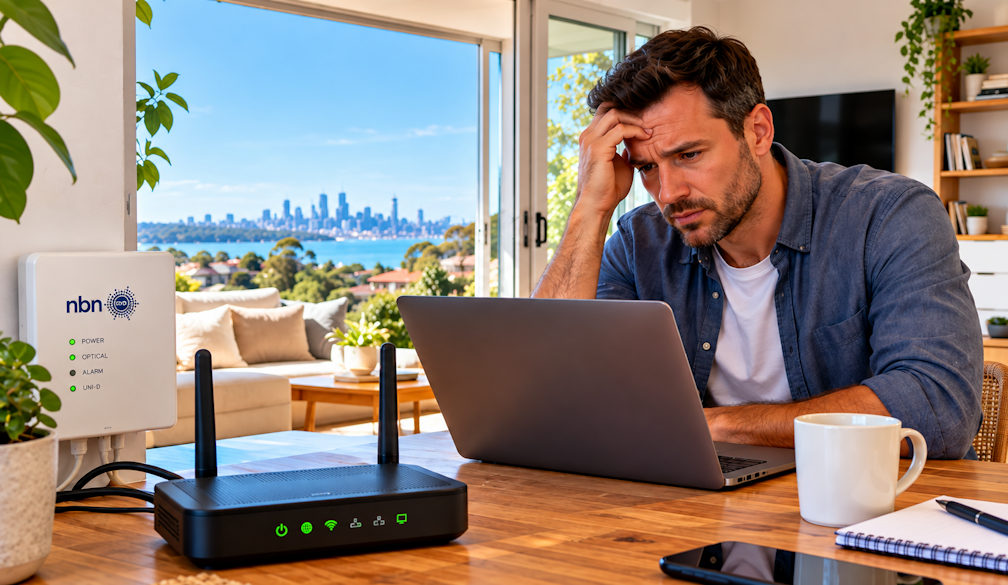
There's never a good time for the internet to drop out. It always seems to happen in the middle of a work call, halfway through a movie or right when the kids need to finish their homework.
With so much of daily life now online, a slow or unreliable NBN connection can quickly become a major frustration. The good news is that many problems can be narrowed down with a few simple checks.
Some issues, however, come down to damaged cables or faulty wiring inside the home. That's when professional NBN repairs in Perth can help track down the problem and get you reconnected.
Understanding Who Fixes What
Before you start troubleshooting, it helps to know how the NBN works. The NBN network itself is managed by NBN Co, but you deal with your internet provider for your plan and for faults on the network.
Inside your property, things are a little different. Problems with internal cabling, wall sockets or extra data points are often the homeowner's responsibility, and may need a registered cabler to fix.
Knowing where the issue sits helps you contact the right people and avoid wasted time on hold.
7 Common Reasons Your NBN Isn't Working
1. An Outage in Your Area
Sometimes the problem has nothing to do with your home. Planned maintenance or unplanned outages can affect whole streets or suburbs.
Check your internet provider's website or app for outage updates. NBN Co also provides information about network outages online.
2. Modem or Router Issues
Your modem or router is one of the most common sources of connection problems. Devices can overheat, need a software update or simply need restarting.
Try turning the modem off at the power point, waiting a minute, and turning it back on. If problems keep coming back, the device may be ageing or faulty.
3. Loose or Damaged Cables
Check that all cables between the wall, NBN connection box and modem are plugged in firmly. Look for bent, pinched or chewed cables, especially behind furniture or in areas where pets roam.
A damaged cable can cause intermittent drop-outs that are easy to mistake for a network problem.
4. Wall Socket or Internal Wiring Problems
Older homes, renovations and DIY changes can all lead to wiring problems. Loose connections, corroded sockets or damaged internal cables can affect speed and reliability.
If your connection works in one socket but not another, internal wiring could be the culprit.
5. Wi-Fi Coverage Issues
Sometimes the NBN connection is fine, but your Wi-Fi isn't reaching every room. Thick walls, multiple levels and distance from the modem can all weaken the signal.
Test your connection by plugging a laptop directly into the modem with an Ethernet cable. If the wired connection is fast but Wi-Fi is slow, the issue is likely your home network rather than the NBN.
6. Storm or Weather Damage
Perth's winter storms and summer heat can affect cables and equipment. Lightning, water entering pits or conduits, and heat damage can all cause problems.
If your internet stopped working after a storm, check for visible damage around the property, and contact your provider if the issue continues.
7. Damage From Renovations or Landscaping
Digging, trenching or renovation work can accidentally damage underground or internal cables. If your connection problems started after work on your home or garden, cabling damage may be to blame.
Quick Troubleshooting Checklist
Before calling for help, run through these simple checks:
- Check for reported outages in your area
- Restart your modem and NBN connection box
- Make sure all cables are firmly connected
- Look at the status lights on your equipment
- Test the connection with a wired device
- Try a different wall socket if you have more than one
Make a note of what you've tried and when the problem started. This information is useful if you need to contact your provider or a technician.
When to Call a Technician
If your provider confirms there's no fault on the network, but you're still experiencing problems, the issue may be inside your home. A technician can help if you're dealing with:
- Damaged or faulty internal cabling
- Broken or unreliable wall sockets
- Problems after renovations or building work
- The need to relocate or add data points
- Ongoing drop-outs without an obvious cause
In Australia, most cabling work must be carried out by a registered cabler. DIY fixes to internal wiring can make problems worse and may not meet requirements.
Upgrades Worth Considering
If you're calling in a technician anyway, it may be worth thinking about future needs. Many households now work from home, stream in multiple rooms and use smart devices throughout the house.
Extra data points, better cable placement or a wired connection to a home office can make a noticeable difference to speed and reliability.
Choosing the Right Technician
Look for a registered, experienced technician who explains the problem clearly and provides upfront information about costs. Reviews and local experience can also give you confidence in their service.
For homes and businesses across the city, an experienced NBN technician in Perth can diagnose issues, repair damaged cabling and recommend practical improvements to your setup.
Final Thoughts
When your NBN stops working, it's easy to assume the worst. But many problems can be traced through simple checks, from outages and modem issues to loose cables and poor Wi-Fi coverage.
If the issue turns out to be inside your home, getting professional help early can save hours of frustration and get your household back online faster.